Private budgeting for iPhone

Budget without giving anyone your bank.

FortBudget is built for manual, zero-based planning. No bank connection. No account registration. No tracking or developer server.
  • SQLCipher local storage
  • Optional app lock
  • Exports only when you choose
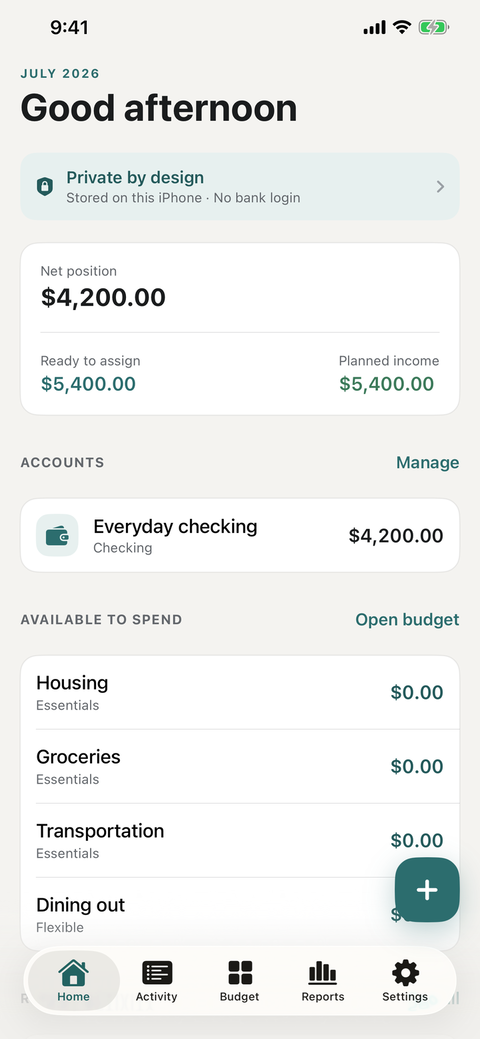
FortBudget home screen showing the current budget overview
Current FortBudget iPhone interface

A calmer ledger

The useful parts of budgeting, without the data trade.

FortBudget keeps the workflow direct: plan the month, record what happened, and review the difference on your own device.

Plan every dollar

Build a zero-based monthly budget with planned income, categories, and allocations.

Record by hand

Add accounts and transactions without handing a third party your bank credentials.

Move your own data

Import or export CSV files, and create passphrase-protected backups when you choose.

Authentic product captures

A budget you can understand at a glance.

These current release-candidate screens show the real home, activity, budget, and settings flows. Website labels stay outside the app images.
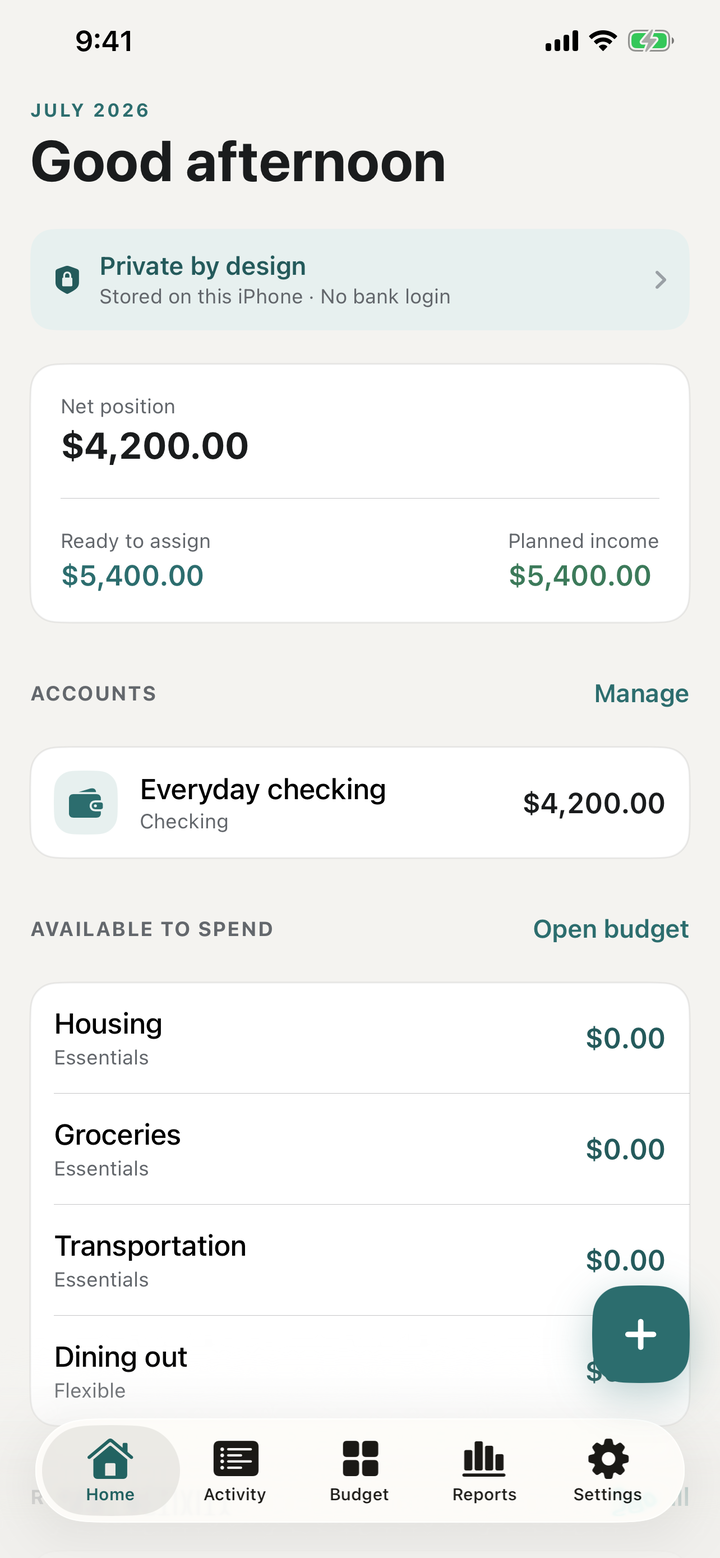
FortBudget home screen showing the current budget overview
HomeYour monthly position, without bank linking.
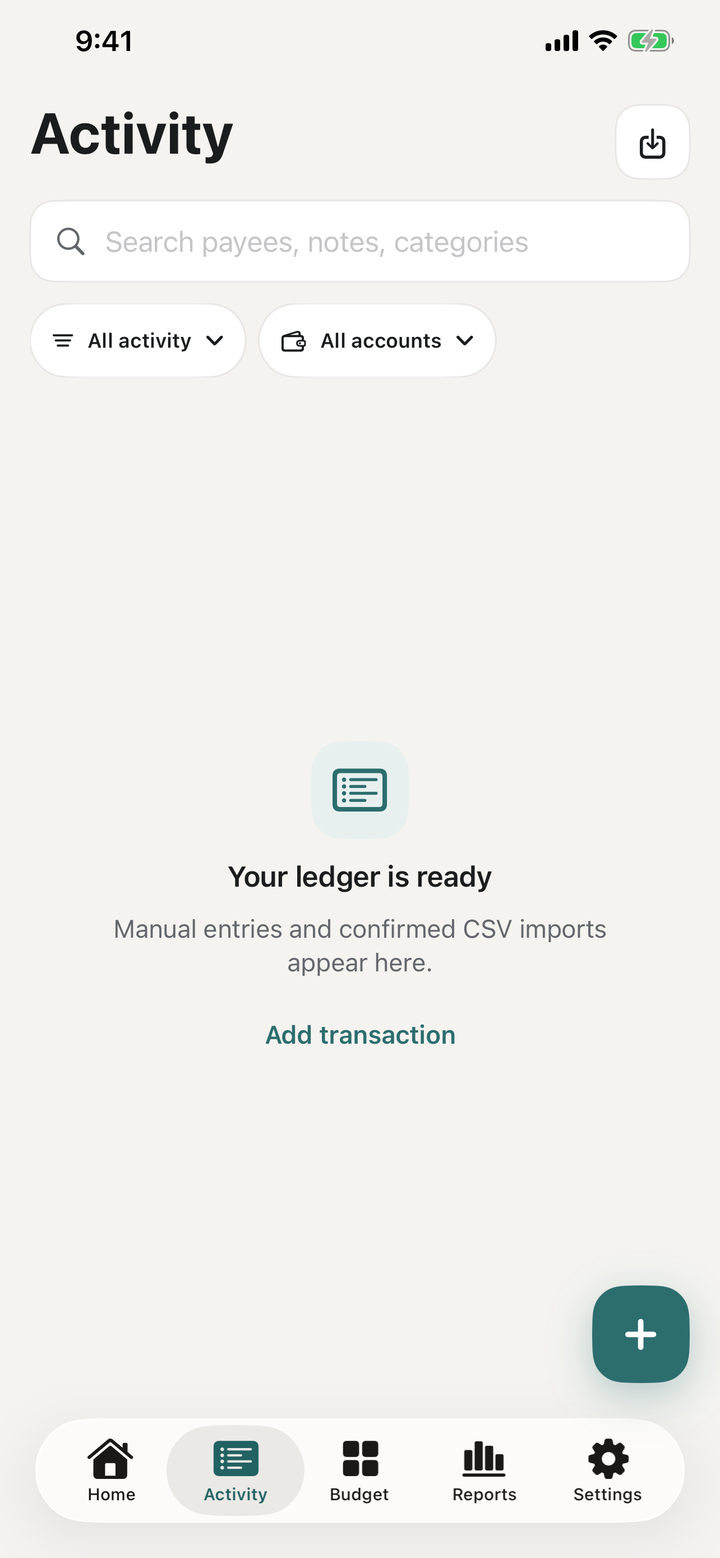
FortBudget activity screen showing recent budget transactions
ActivityA manual record of the money you choose to enter.
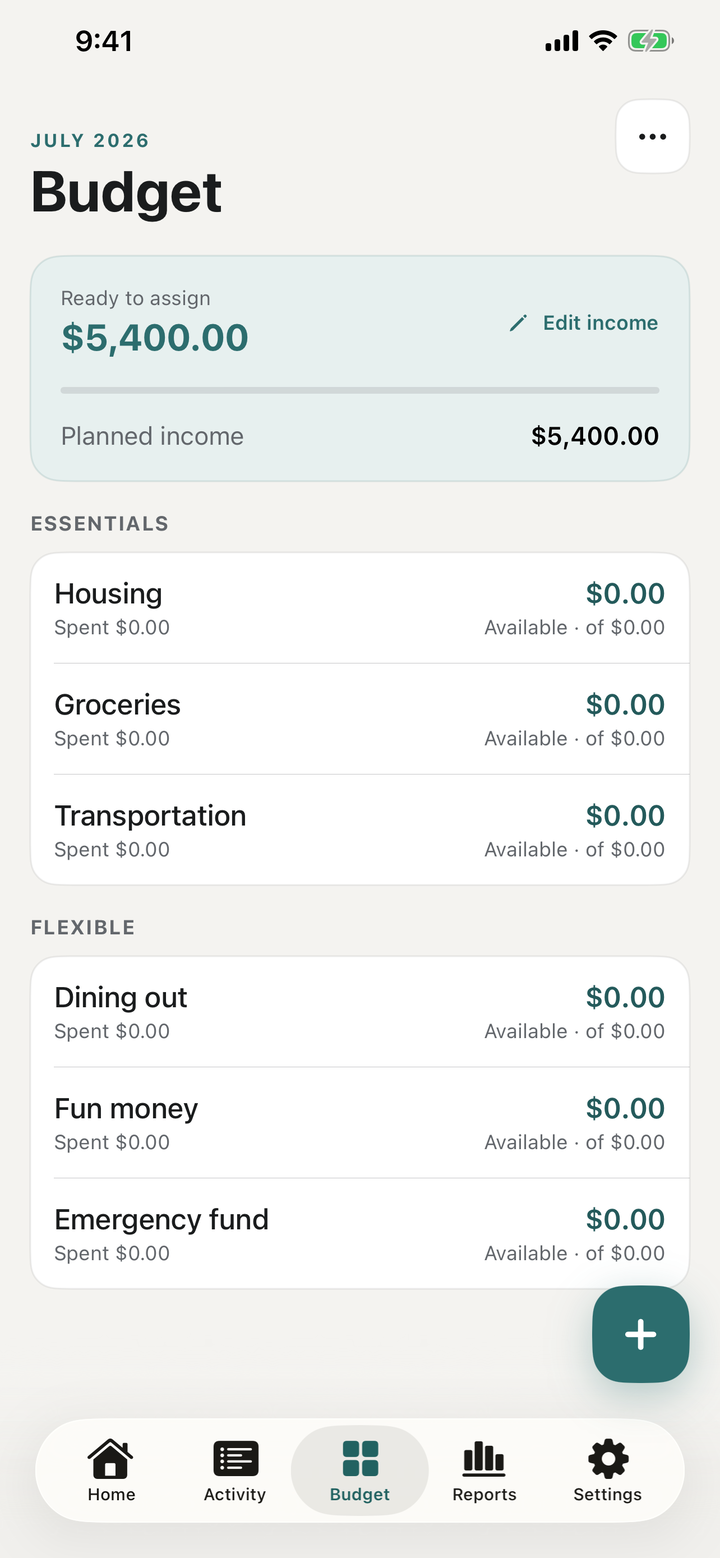
FortBudget budget screen for reviewing categories and spending limits
BudgetPlan categories and review the month.
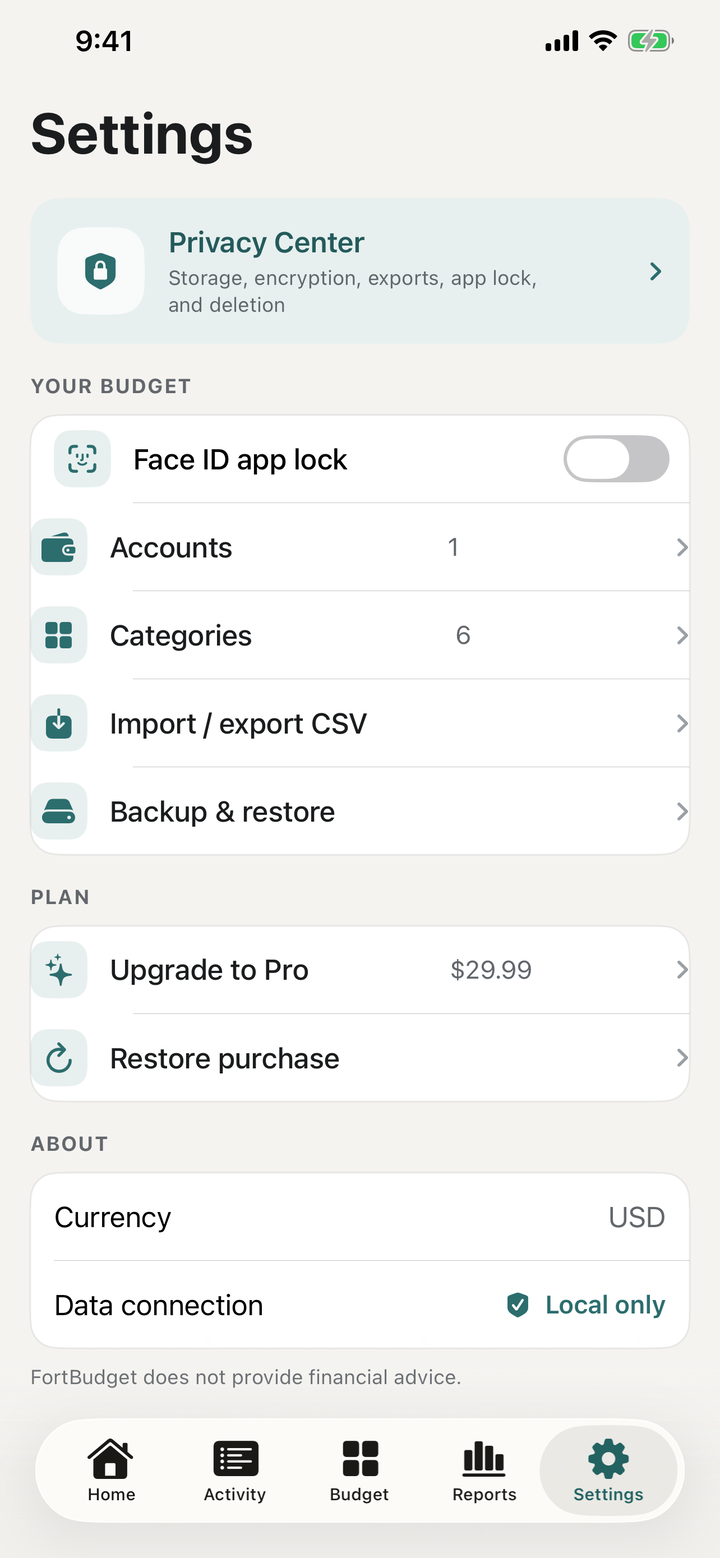
FortBudget settings screen with app preferences and privacy controls
SettingsPrivacy, lock, export, and app preferences.

The privacy boundary

Designed to keep budgeting data on this iPhone.

Privacy is the product shape, not a setting buried at the end. FortBudget does not operate an account system or an application server for your ledger.

  • No bank linking or login You enter the financial information you want to track.
  • No ads or analytics SDK There is no behavioral advertising or developer analytics pipeline.
  • Encrypted local ledger SQLCipher protects the local database; its random key is kept in the iOS Keychain.
  • Optional app lock Face ID or the device passcode can guard access when you return.
  • Crypto accounts are local Crypto accounts hold a manual USD value you enter; no price feeds, exchanges, or wallet integrations.